Join as a tester
TurboTime is on Google Play's internal testing track — a couple of extra steps versus a normal install, most of them one-time.
-
1. Request access
If you haven't already, submit your email on the TurboTime home page. Use the same address your phone's Google Play Store is signed into — that's the one that needs to be added as a tester.
-
2. Accept the tester invite
Once you're added, Google Play emails that address an invite. Open the link in that email and tap “Become a tester”.
This step matters: searching for TurboTime in the Play Store, or opening a plain Play Store link to it, won't work until you've accepted the invite this way — you'll just see “Item not found”. The invite link is the only thing that actually unlocks the listing for your account.
-
3. Install from Google Play
After accepting, the regular Play Store listing works normally — install TurboTime like any other app. If it still says "Item not found" right away, give it a few minutes; the invite can take a little while to take effect.
-
4. Create your account
Open the app and register with your email and a password — no username, no separate sign-up steps.
-
5. Connect Strava and/or Intervals.icu
From your Profile, connect Strava so every finished ride uploads itself automatically, and/or Intervals.icu to pull your latest Fitness, Fatigue, Form and eFTP onto the same screen. Both are optional and independent — skip either, or both, and everything else still works.
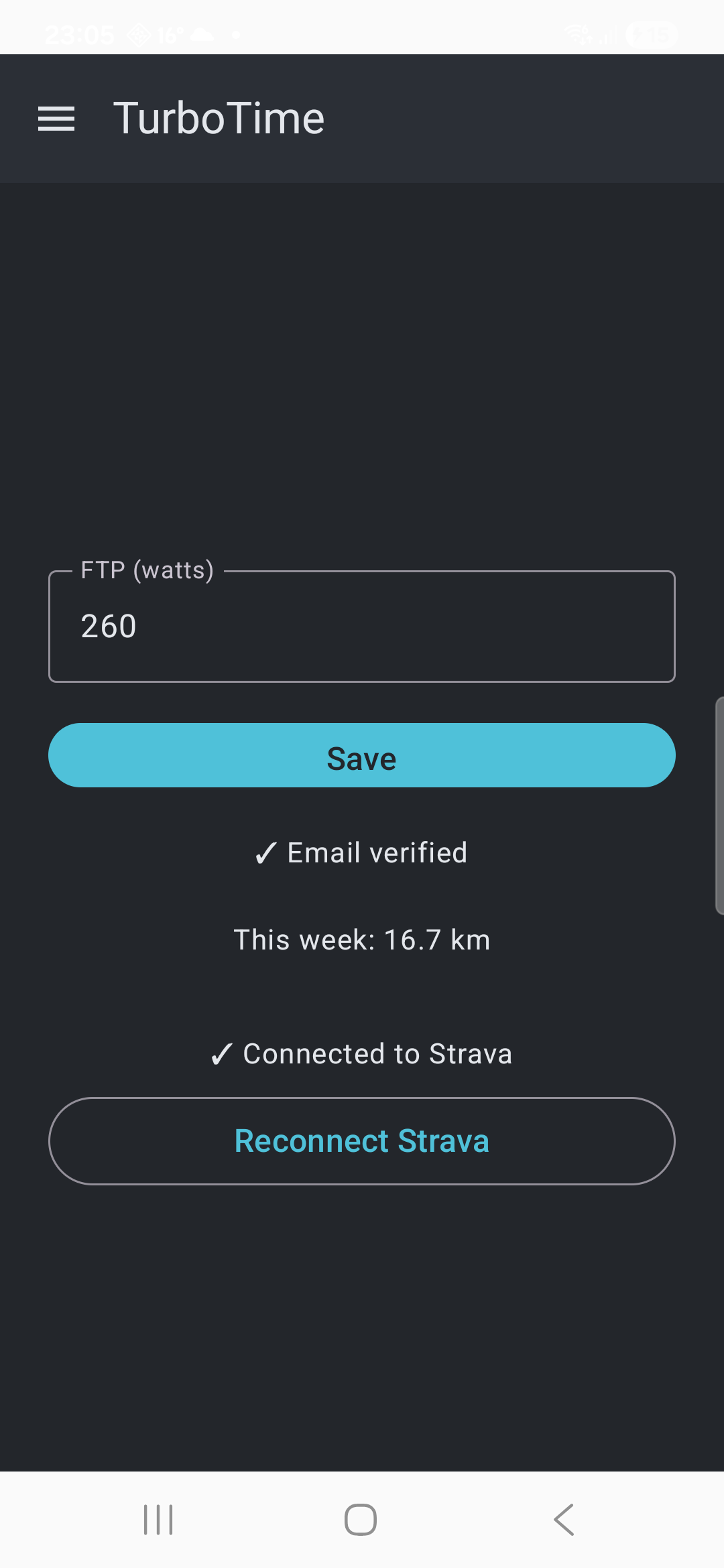
Strava connected on your profile -
6. Keep it updated
If Play Store auto-update is on for your phone, new versions install themselves in the background — nothing to do. To check manually, or if TurboTime doesn't turn up when you search the Play Store by name (internal-test apps don't always surface well in a plain name search), search instead for its package ID:
ie.linearconsulting.turbotime. That takes you straight to the listing, where you can install a pending update or confirm you're already current.
From here, the getting started guide picks up with your first workout.